What are Widget Groups?
A Widget Group is a collection of widgets (also known as UI5 Controls) to provide usable screen layouts as a template.
If you use Widget Groups you will enjoy the following benefits
- Saves a lot of design time in comparison to build layouts only with single widgets
- Read-to-Use Layout Templates see Gallery
- Create your own widget group from existing screen designs
- Edit widget groups Independent from your application
Create Widget Group within UI Designer
To create a new widget group, you have to
- Open an existing or create a new application
- Create your final layout into your app screen
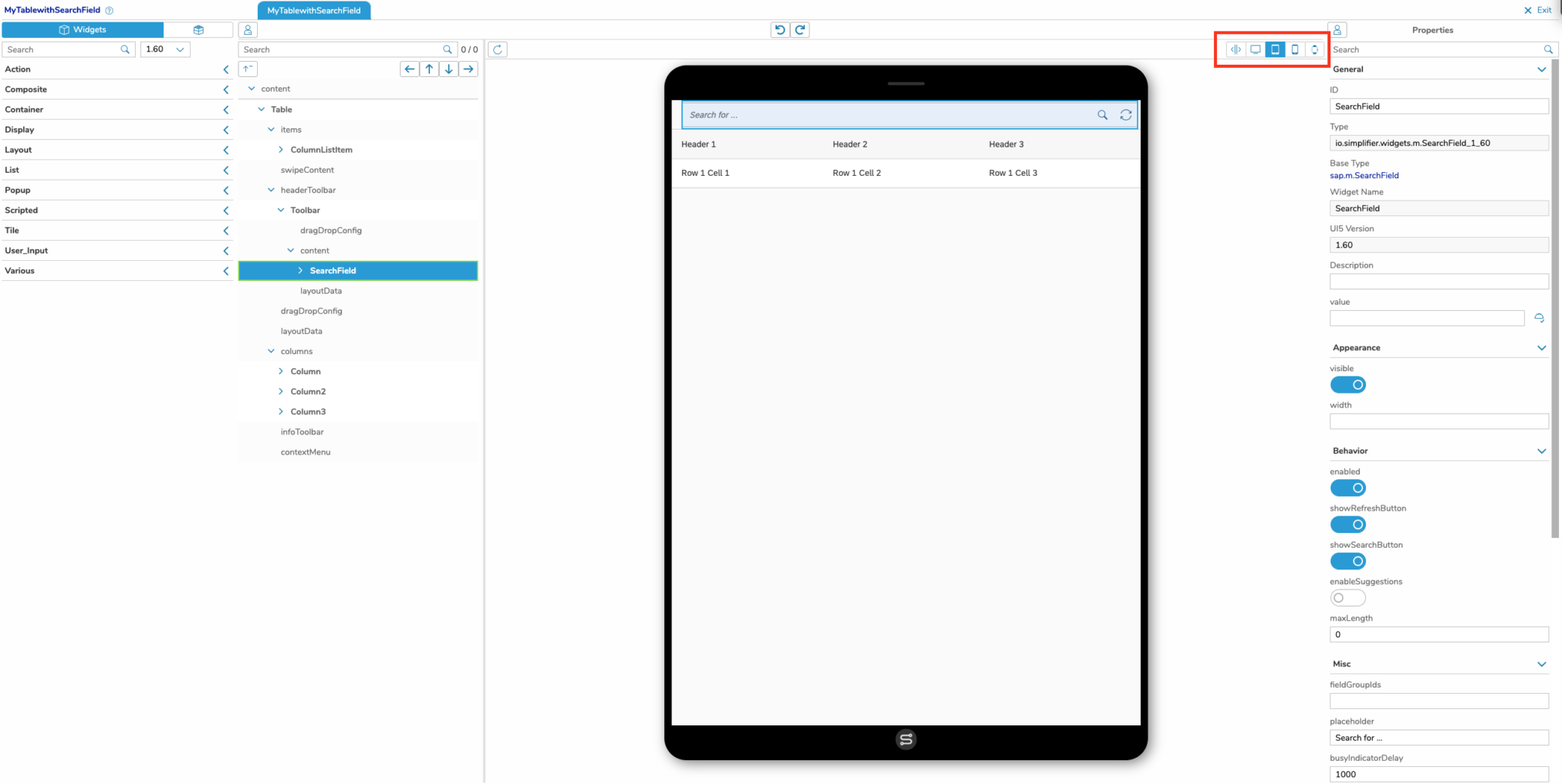
- Test your Layout with Live Preview or in our App Designer on multiple device factors (tablet, smartphone, desktop etc.)
- Save your final Layout into a widget group
Edit widget group
For editing a widget group, select the group from overview and click on the edit icon in the upper right corner or simply double click on the widget group list entry.
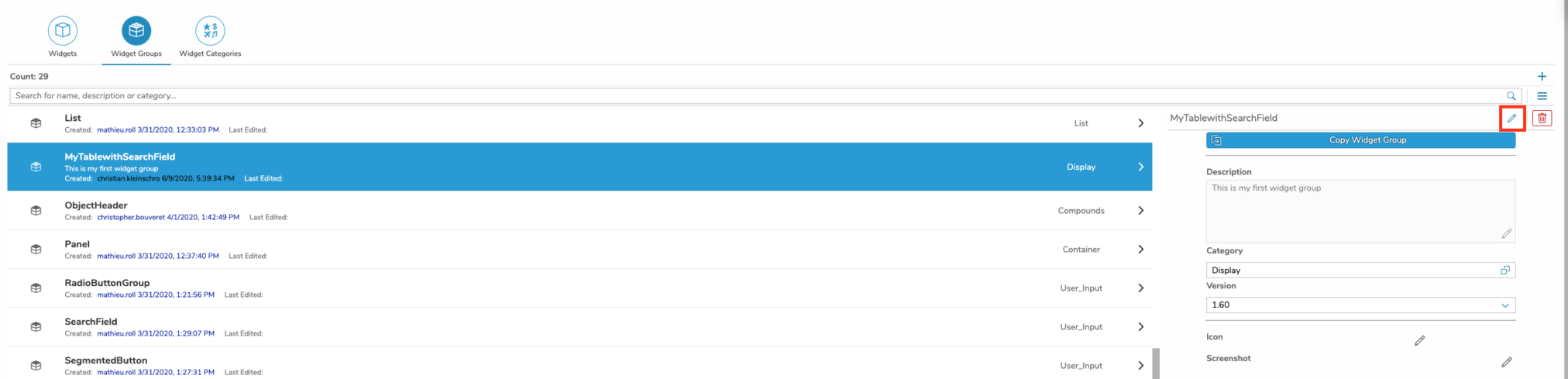
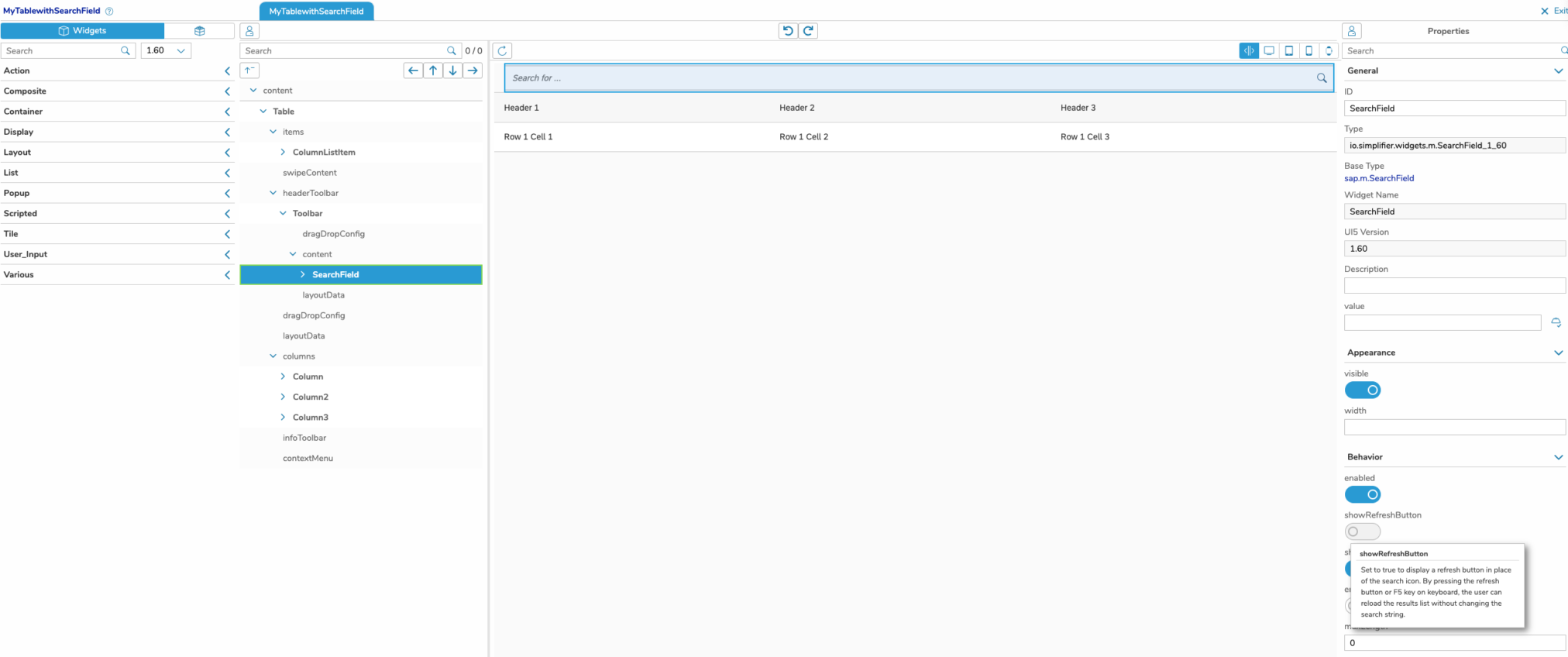
You can now edit the group by
- adjust your widget properties
- add new widget or widget group to your existing one by simple drag & drop it from the left widget list
- delete single widget from content screen
Test your widget group layout by simulating this on different device types
If you want to undo modifications, you can use the undo / redo toolbar above the UI Editor.

Leave the Edit Mode by click the exit button in the right upper corner

Integration into UI Designer Widget Workspace
to guarantee an optimal usage you should maintain your widget categories with clear names and assign each widget group to a category.
- maintain widget categories
- assign widget group to categories
- describe it clearly and short into description
- assign a meaningful icon
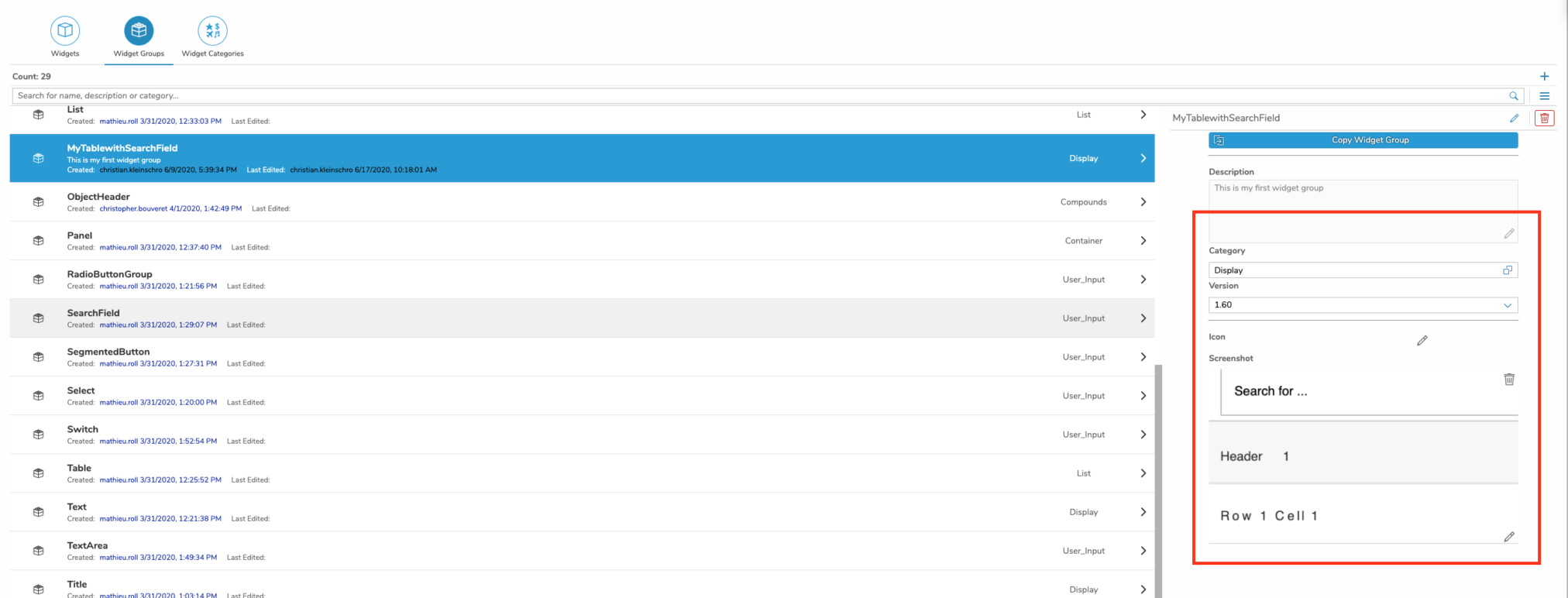
You also should create a screenshot for the right preview and an icon
to create a preview screenshot you can use the function “update screenshot”

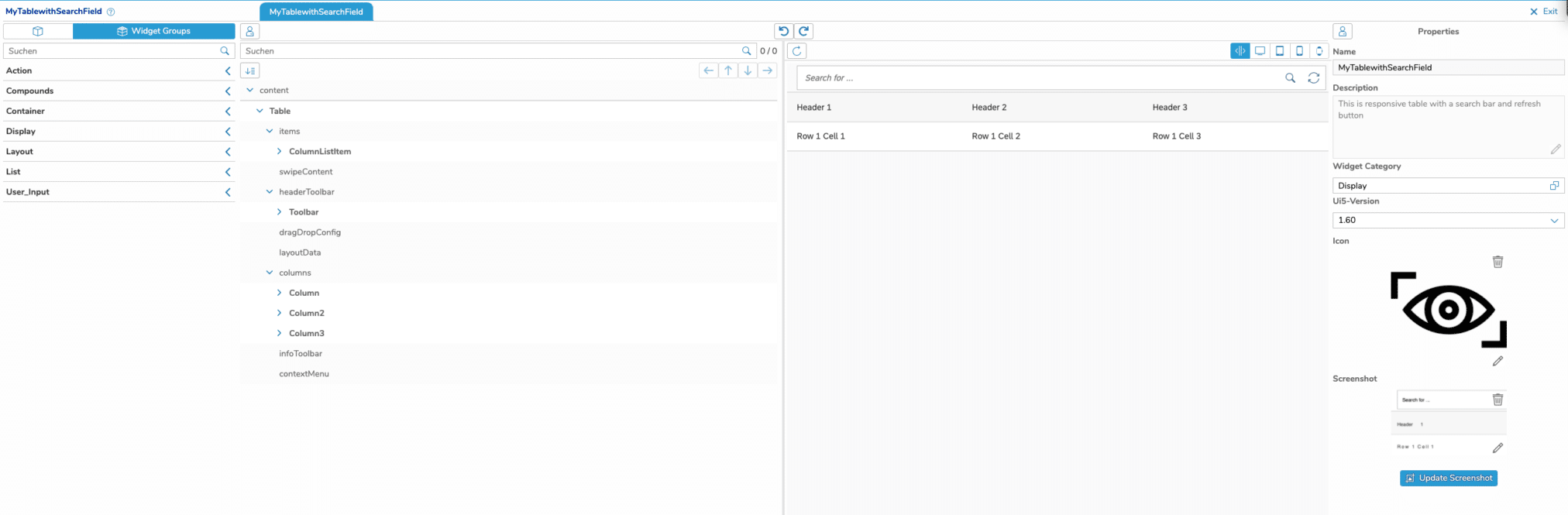
If you maintain the widget group metadata correctly , it should be visible in the ui and widget editor.

Change Category, Icon, Preview Screenshot and UI5 Version
to change the assigned category , icon, screenshot and ui5 version you can use the quick edit functionality on the right side of a selected widget group
Delete Widget Group
To delete a widget group, search for the widget group and click on it in the list view
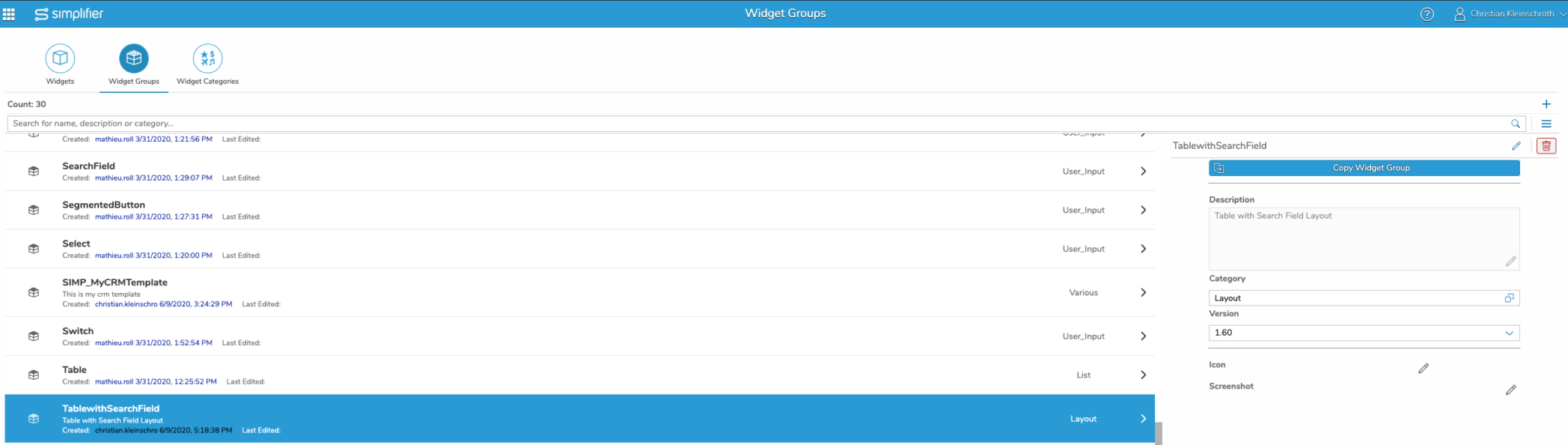
click the red delete button on the right upper screen

Confirm the Deletion Dialog with the Check Symbol