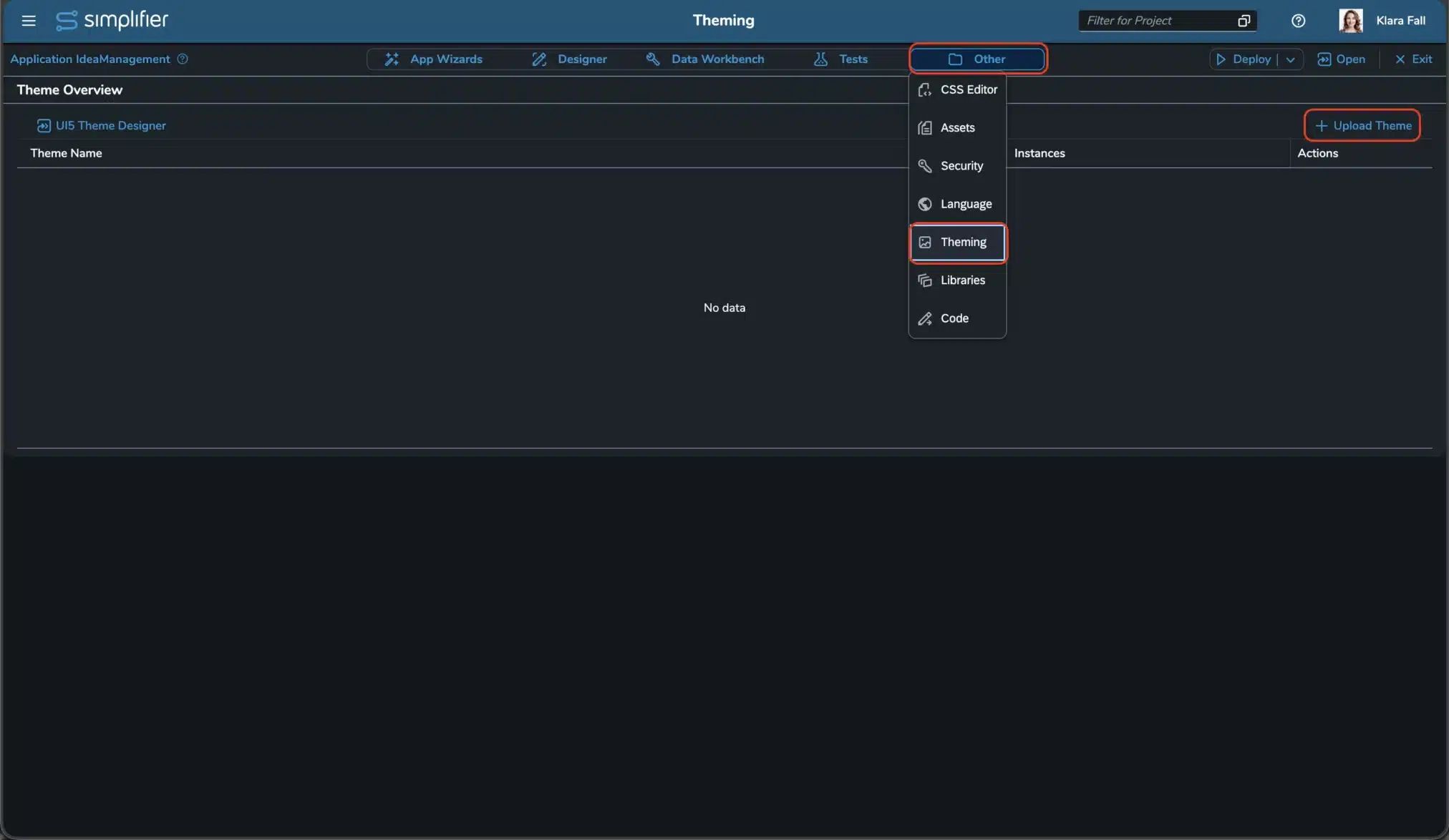
To create themes for Simplifier applications, we recommend using our UI5 Theme Designer. The theme designer requires a Simplifier MyID Account.
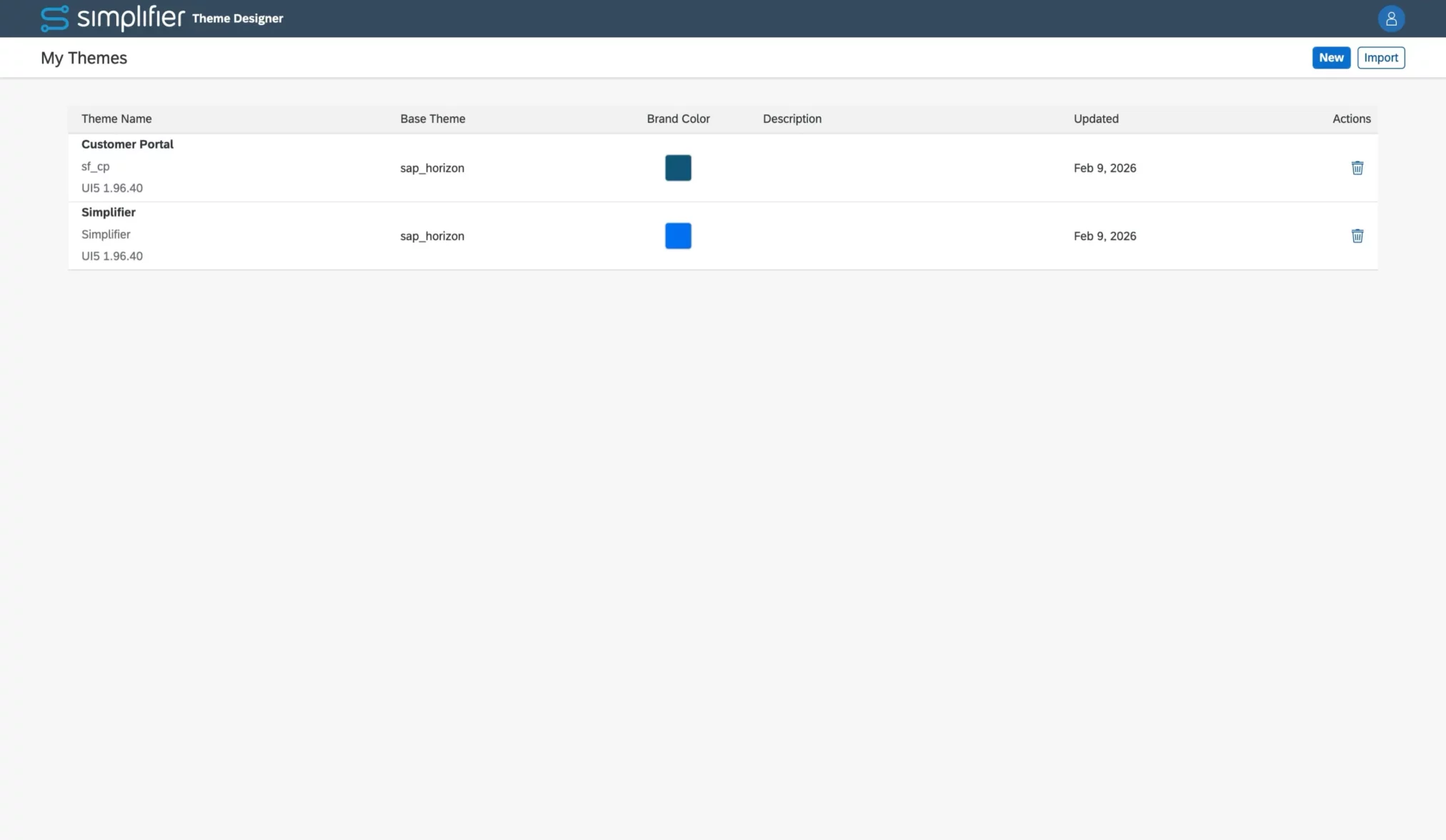
Start by creating a new theme or importing an existing UI5 theme. The overview shows all created and imported themes.
To open or export a theme, just hit the theme’s overview list item.
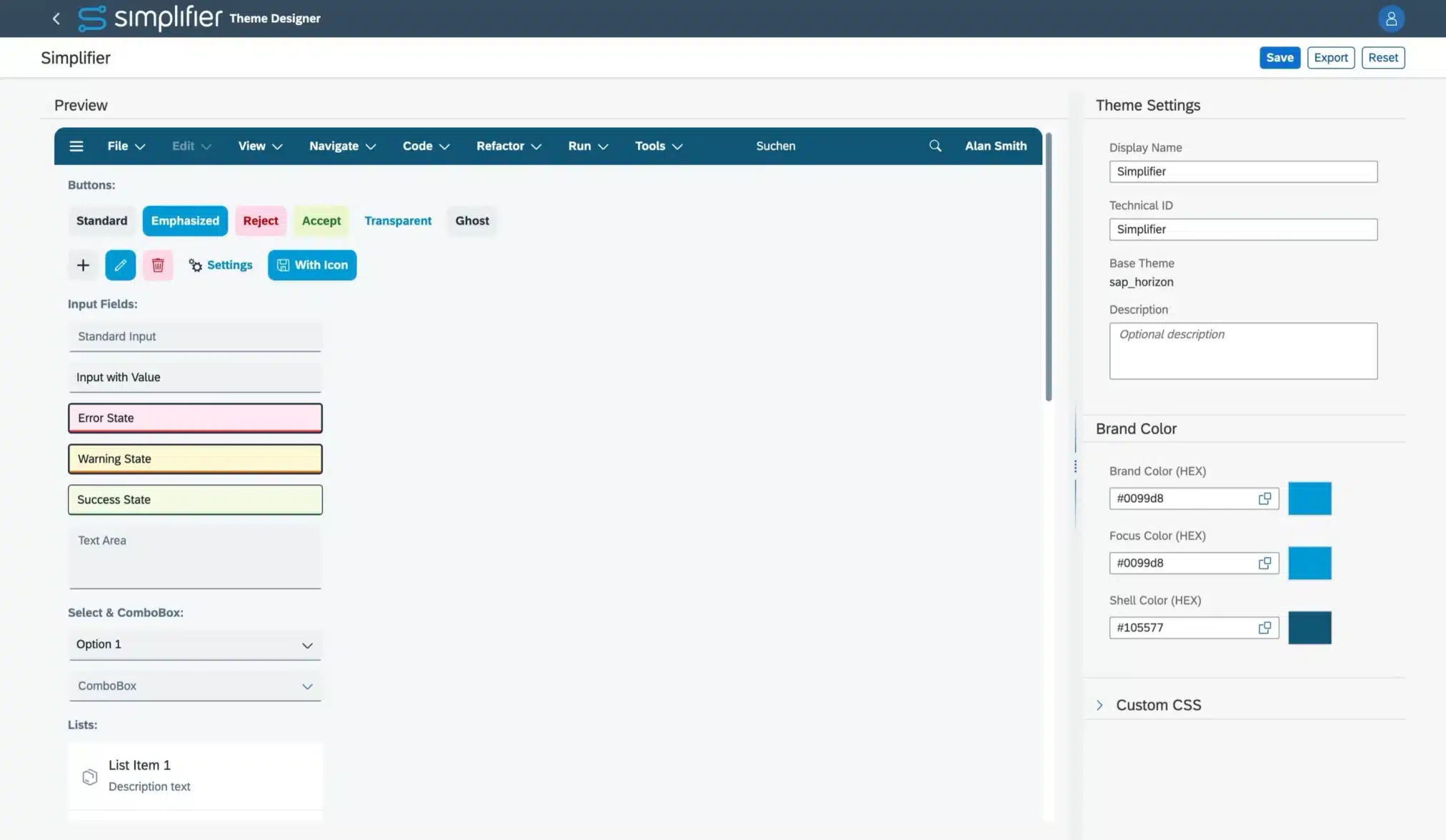
With our quick color picker, you can select the hex color values for:
- Brand Color
- Foxus Color
- SAP Shell Color
All dependencies are applied based on the selected base theme and its version.
In addition, you can add your custom CSS and LESS code. If required, use the “Reset” button to set the definitions to the theme defaults.
To apply the theme to your UI5 application, export it. For Simplifier Applications, open your Application in the Editor, navigate to the Theme-Section, upload your exported theme, and select the endpoints where the theme should be used.